Planned Subcon Work
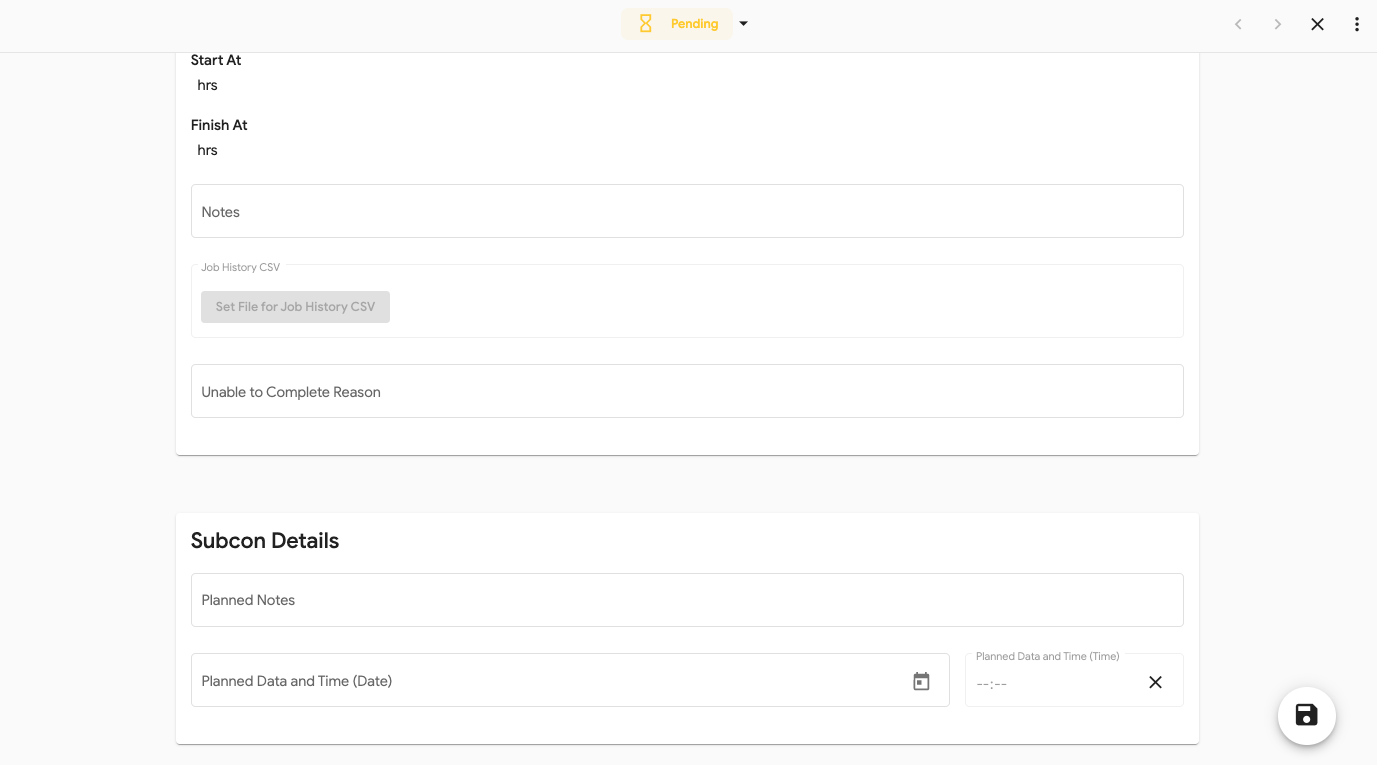
When a vehicle has planned subcon work allocated you can add in the details so everyone knows whats happening. This can only be added on Subcon jobs.
To do this:
- Open the vehicle from the main Vehicle list
- Open the job card
- Select the Production tab
- Scroll down to Jobs
- Select the Subcon job that has the planned works
- Fill in the information