Wrong Parts
If, when the vehicle is in production, the part is found to be wrong and work can't continue, the vehicle will be moved to Wrong Parts.
Viewing Wrong Parts
Within the view, you will see vehicles in the status of 'Wrong Parts'

Select the VRM, highlighted in blue to start
How to View what Part is Wrong and Re-Order
Once you have opened the parts view, this will show you all the information about the vehicle, what lines have been added at inspection and the Parts that have been added. If the part is incorrect, this will be shown in Lines with Notes.
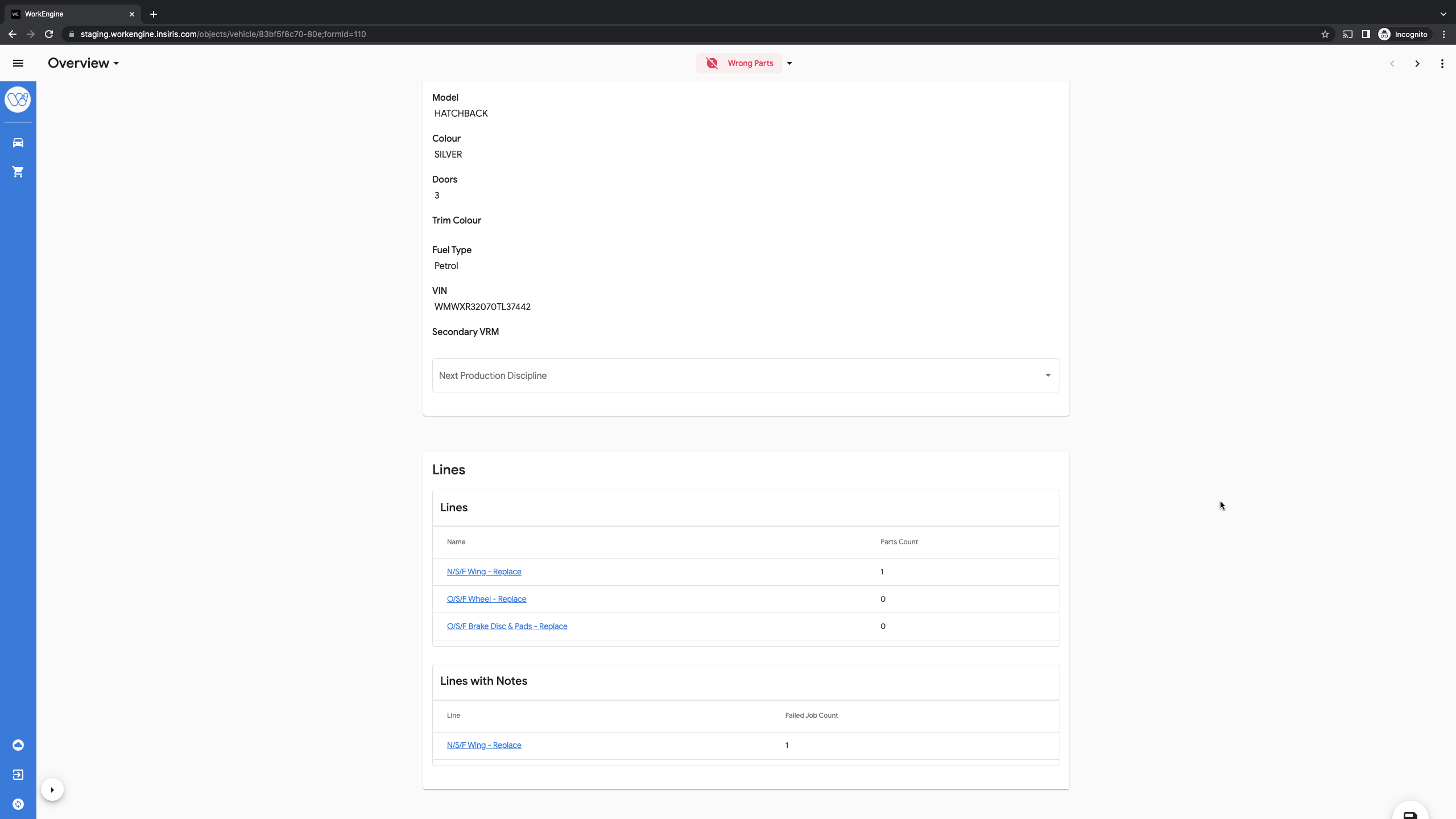
When you are ready to re-order the parts:
- Move the part that is wrong to the status of 'Wrong Part'
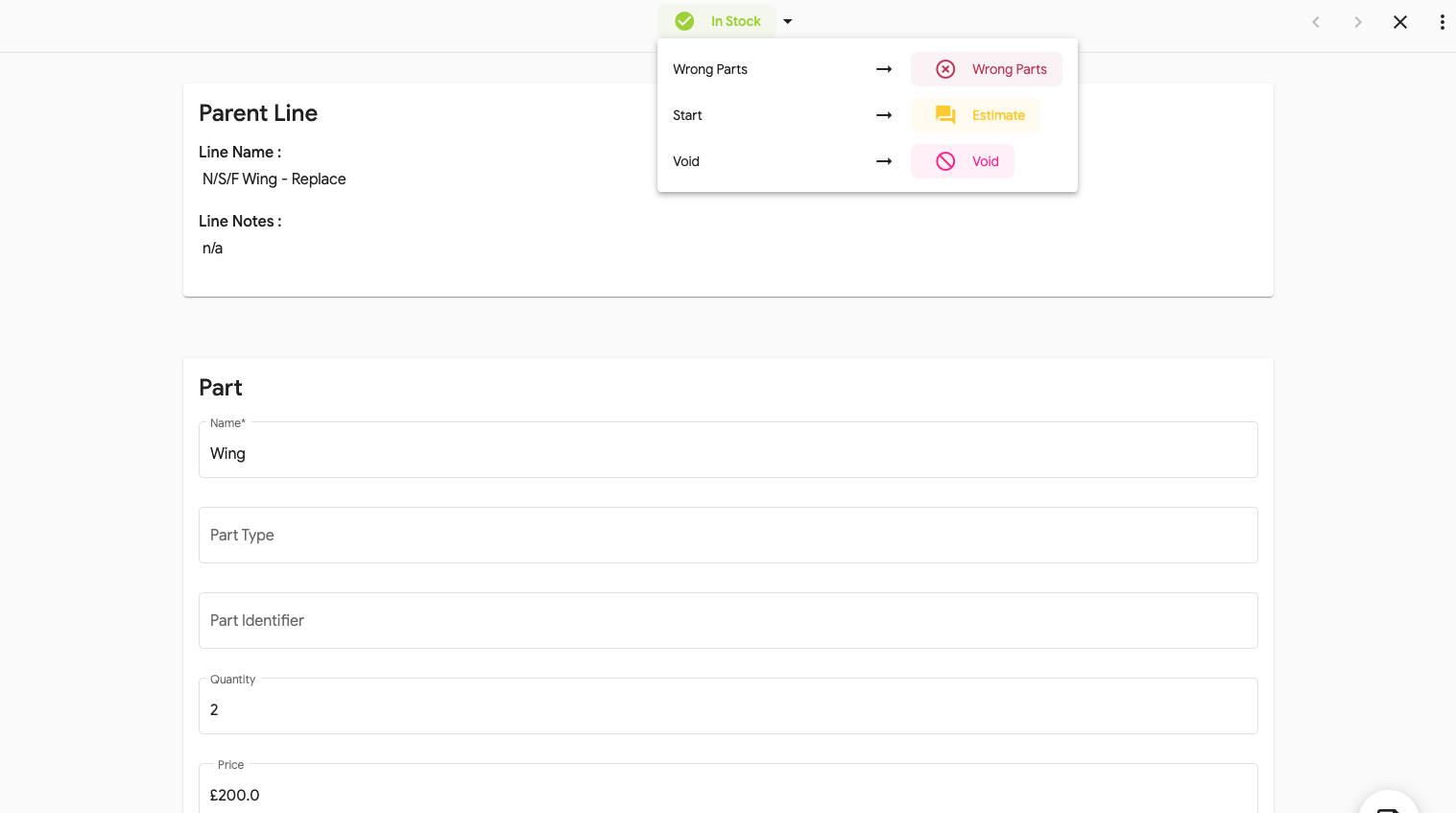
- In the 'Lines with Notes' section select the line that needs a new part will be shown
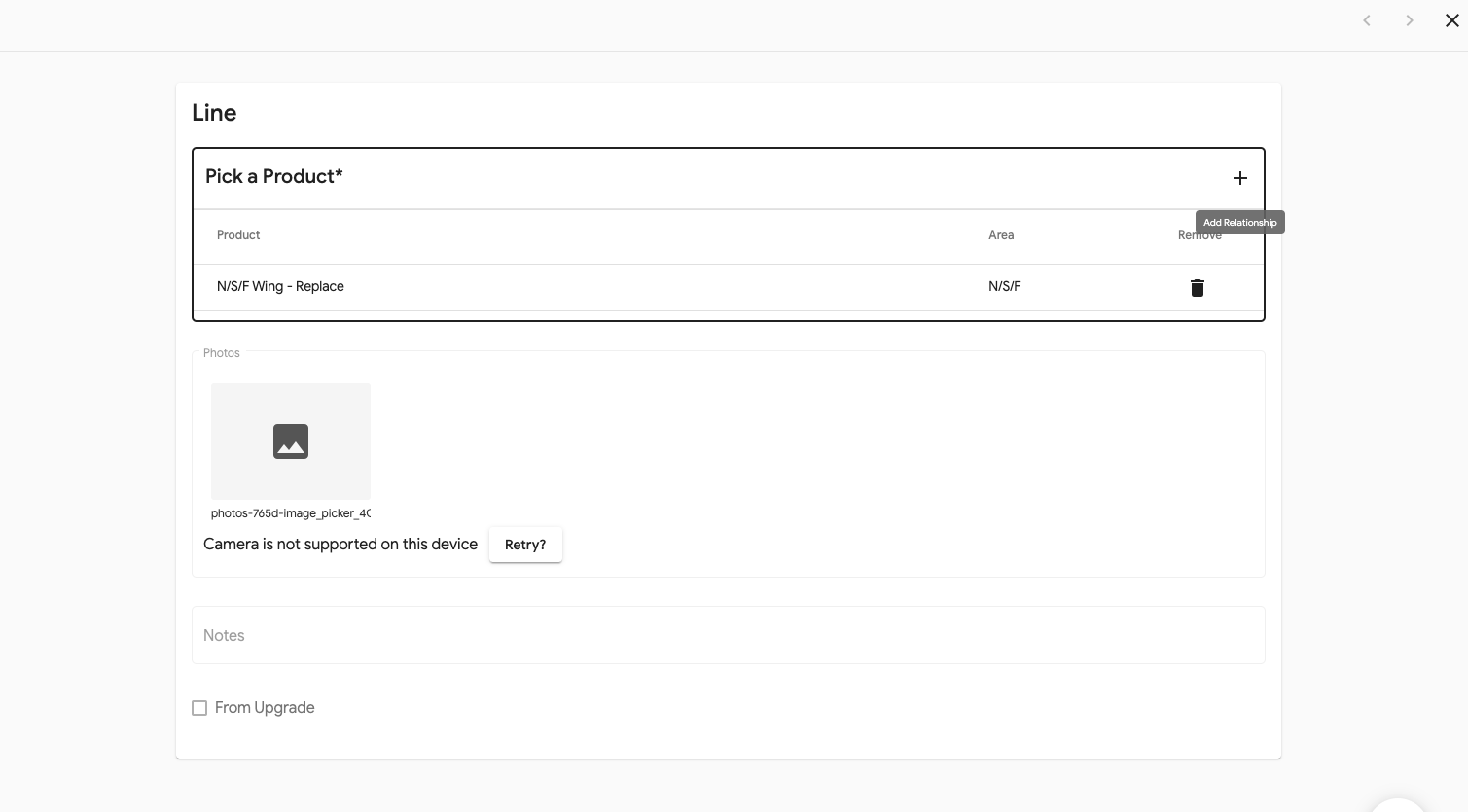
- Select this line and add in the new part.